GDPR Data Exposure in Web Apps: Detect, Prove, Monitor
Learn how to spot GDPR data exposure in web apps, collect regulator-ready evidence, and run 24/7 monitoring to catch PII leaks, secrets, and regressions fast.
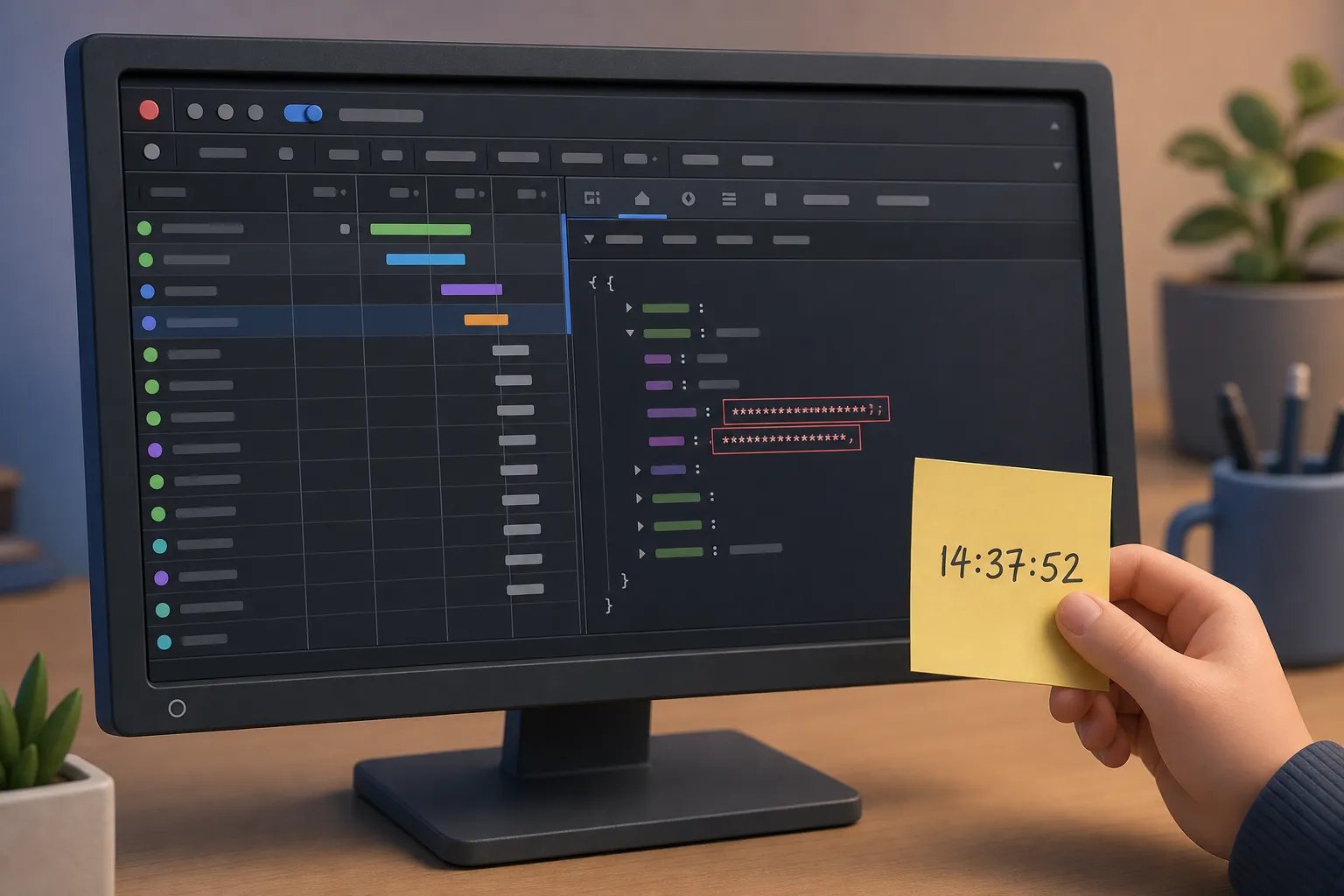
Shipping fast is not a license to leak personal data. If an email address, full name, or session token slips into a page, API response, or JavaScript file, you have a GDPR data exposure that deserves proof and a fix. This guide shows what to watch, how to gather evidence that stands up to scrutiny, and how to keep your app under continuous watch so new leaks are caught before users or bots do.
What counts as GDPR data exposure
Under GDPR, personal data is any information that can identify a person, alone or in combination with other data. Exposure occurs when that data is accessible to someone who should not see it. A breach is an exposure with confirmed compromise, but you do not need malware on the front page to have a reportable incident.
Concrete exposure patterns:
- PII in HTML and hydration state, for example a global
window.__INITIAL_STATE__or embedded JSON containing emails and birth dates. - PII in API responses, including REST, GraphQL, and CSV exports. A harmless pagination call that returns full user objects instead of IDs will leak names and emails to any role that can hit it.
- Verbose error pages or stack traces echoing emails, IDs, or SQL with literal values.
- Client-side logs and third-party query strings that include user identifiers, tokens, or IPs.
- Public storage or databases. Misconfigured Supabase or Firebase rules can make private rows world-readable.
“Vibe coding” with AI can skip threat modeling and data-mapping. If an endpoint that used to return an ID now returns a full object, your frontend may cache personal data it never needed. The only safe default is to return and store less.
Row-level access rules matter. In Supabase, keep RLS on and bind reads to the caller, for example a select policy like “using (auth.uid() = user_id)”. Test anonymous access to confirm private tables are not queryable from the client. Do the equivalent in Firebase by validating security rules with real read attempts.
Watch for exposed API keys and tokens in JavaScript and sourcemaps. Public keys intended for client use can still grant sensitive scopes if misconfigured. Private credentials, service roles, or long-lived JWTs must never appear in JS bundles, sourcemaps, or runtime-config endpoints. Common indicators include JWTs starting with eyJ, AWS keys starting with AKIA, and Google API keys starting with AIza.
Even your marketing stack can touch personal data. If your team uses an AI ad generator for product advertisements that creates UGC-style videos with AI actors, product shots, voiceovers, captions, and ad variations, review what assets are uploaded, what identifiers are embedded in filenames or metadata, and which scripts or pixels load on your site.
Detecting PII in HTTP responses
PII leaks ride along with normal traffic. You will not find all of them by linting code or grepping a repo. You need to observe the live app like a user, then read what it sends back, every time.
Scan like a real user
Use a scanner that drives a real browser. Real-browser crawling follows links, executes client code, and captures network traffic, which reveals API responses, downloaded JavaScript, sourcemaps, and third-party calls that static crawlers miss. Include authenticated scanning. Many leaks live behind login, so sign in with user and admin roles and browse role-based pages to surface private data in responses.
Inspect every response for leaks
Search for data elements across HTML, JSON, CSV, and scripts:
- Emails: patterns like
[A-Z0-9._%+-]+@[A-Z0-9.-]+\.[A-Z]{2,}(case-insensitive). - Names, addresses, phone numbers, government IDs, and IPs. Calibrate patterns to your markets to avoid false positives.
- Tokens and secrets: JWTs (
^eyJ), API keys (for exampleAKIA,AIza), session IDs, and OAuth refresh tokens.
Per-request analysis should capture the exact URL, method, headers, cookies, and a redacted response snippet that proves the leak without spreading it. Treat JavaScript and sourcemaps as first-class HTTP responses. Secrets in a .map file are still exposed.
Beyond content: headers and transport
Missing security headers amplify impact. If you serve PII, check for:
- Content-Security-Policy that limits script sources and disallows inline execution where possible.
- Strict-Transport-Security with preload so browsers refuse plaintext fallbacks.
- Frame-ancestors or X-Frame-Options to reduce clickjacking risk.
Audit TLS. Disable TLS 1.0 and 1.1, require TLS 1.2+, and remove weak ciphers to keep confidentiality in transit.
Libraries and third parties
Outdated libraries can turn a low-risk exposure into an exploit path. Scan the scripts your site actually serves, not just your package manifest, and map them to CVEs. For third-party analytics or chat widgets, document the lawful basis for identifiers you share and the data transfer location.
Proving incidents with evidence
Once you discover a GDPR data exposure, your job is to prove it clearly for internal stakeholders, auditors, and regulators if required. Clarity shortens triage and reduces notification risk.
Capture what, where, when, who
- What leaked: list specific fields. Redact user values in shared docs, but keep a secure, access-controlled copy.
- Where: full URL, method, and route parameters. Include the referrer page if client code assembled the call.
- When: exact timestamp with timezone, plus first-seen and last-seen if you monitor continuously.
- Who could see it: authenticated role used during the request, or confirmation that it was public.
Keep the raw trace
Store the HTTP request and response, headers and body, along with any relevant cookies. A short, human-readable snippet helps, but the raw payload is the source of truth. If you can reproduce with an authenticated scanner, attach its capture or a HAR file and checksum the artifact so you can prove integrity later.
Reproduction and scope
Write step-by-step reproduction from a clean browser profile. State whether the leak is deterministic or timing-dependent. Estimate scope by counting affected endpoints, data fields, and user segments. If email spoofing is a risk to your domain, a proven spoofing check that sends a forged message and records the delivery outcome gives you evidence, not a theory.
If the incident is likely to pose risk to individuals, remember GDPR’s 72-hour window to notify the supervisory authority. Good evidence accelerates that decision and supports any notifications to affected users.
Remediation and data minimization
Fixes should reduce data flow, not just hide it. Minimize, compartmentalize, and harden, then prove the fix.
Return less data
Change APIs to return only what the UI needs. Use projections or serializers to exclude sensitive fields by default. If you render a user list, do not include emails or addresses when a display name is sufficient. Add server-side filters rather than hiding fields in the client.
Harden access rules
Enforce role checks server-side. In Supabase, keep RLS enabled and write explicit policies that limit rows and columns per role. Verify that anonymous and basic roles cannot query privileged tables from the client. Do the same for Firebase and other backends by sending real read and write requests against your rules, not just relying on unit tests.
Protect secrets and tokens
Rotate exposed keys. Move private tokens to server-only storage. Prefer short-lived tokens and per-request server sessions. Use HttpOnly, Secure, and an appropriate SameSite value on cookies. Avoid putting access tokens in localStorage or exposing long-lived tokens in any JavaScript or sourcemap.
Headers, TLS, and dependencies
Tighten headers and transport:
- Set CSP to a minimal allowlist and add a report-only phase to gather violations safely.
- Enable HSTS with preload and a long
max-age. - Set
frame-ancestors 'none'if the app is not intended to be framed.
Disable legacy TLS and weak ciphers. Upgrade vulnerable libraries to the vendor’s fixed version. If you must ship sourcemaps for debugging, gate them behind auth or IP allowlists and scrub secrets from build-time variables.
Shorten the path from problem to patch
Provide copy-paste fix prompts tailored to each finding so you can drop them into your editor and ship a patch in minutes. This keeps hotfixes consistent and reduces partial repairs that leave new leaks behind.
Continuous monitoring and reports
Web apps change daily. A one-time audit goes stale fast. Continuous monitoring is how you catch regressions and new leaks with proof the moment they appear.
Monitor the real app, 24/7
Use real-browser crawling that discovers pages with AI, then keeps scanning public and in-app routes. Authenticated scanning should sign in with realistic roles so private pages are covered. Per-request analysis will flag new PII exposures, tokens, and secrets across HTML, JSON, and JavaScript, including sourcemaps.
Cut noise and track change
A good monitor rescans around the clock but only alerts when something real changes, such as a fresh exposure or a dependency that now maps to a new CVE. Pair that with a daily CVE watch of the scripts you actually load so you can plan safe upgrades. Diff findings so you can show exactly when a leak appeared and when it was fixed.
Make posture visible
Share progress with a simple metric. The Buggy Index gives your site a public A to F security grade and a badge you can display. A live leaderboard encourages healthy competition and helps teams keep attention on posture over time.
Prove fixes, not just findings
Evidence should work both ways. When a leak is fixed, store the passing trace that shows the field is gone or masked. If your domain was vulnerable to spoofing, keep the failed delivery proof after you deploy SPF, DKIM, and DMARC. Keep an incident log so you can demonstrate the timeline and decisions to stakeholders and auditors.
Key takeaways
- GDPR data exposure is about access, not intent. If PII is accessible to the wrong party, treat it as an incident.
- Detect leaks by inspecting every HTTP response with a real browser, including logged-in pages and sourcemaps.
- Collect raw traces, timestamps, and roles, and write reproducible steps to prove scope and impact.
- Fix by returning less data, enforcing RLS and rules, rotating secrets, and tightening headers and TLS.
- Use 24/7 monitoring that provides proof when exposures appear or are fixed, plus CVE and posture tracking.